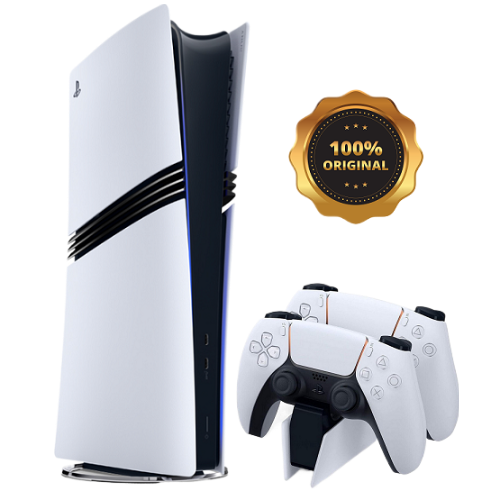
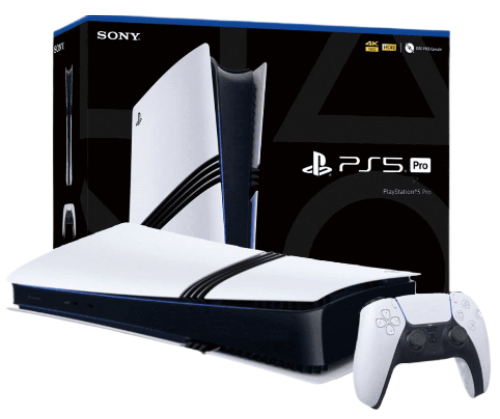
More enhancements under the hood of the PS5 Pro console. 2TB of storage Keep your favorite games ready and waiting for you to jump in and play with 2TB of SSD storage built-in.
Wi-Fi 7 compatible PS5 Pro supports Wi-Fi 7, so you can enjoy more usable bandwidth to increase transfer speeds with your compatible router, which means you can experience reduced latency and boosted stability when playing online. PS5 Pro Game Boost and backwards compatibility The PS5 Pro console can play over 8,500 PS4® games. With the PS5 Pro version of the Game Boost feature, you can enjoy faster and smoother frame rates in some of the PS4 and PS5 console’s greatest games.
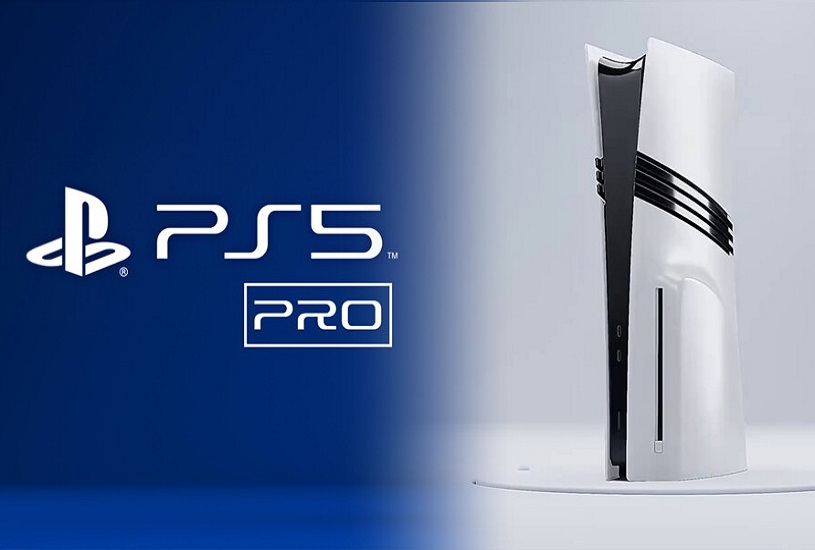
The appearance of the PlayStation 5 Pro is hardly surprising, besides, Sony showed a schematic drawing of it even before the official announcement. The console looks like the PS5 Slim, but with additional stripes on the sides. The important difference lies in the dimensions. The width of the Pro-version is similar to the reduced PS5, but the height in the vertical position is equal to the height of the standard console, released in 2020 - as much as 39 centimeters.
Compactness had to be sacrificed for the sake of improved components and cooling. Such an important feature as the ability to install the device vertically and horizontally has been preserved. The only problem is that the vertical stand will have to be purchased separately.
The cost of PlayStation 5 Pro is an extremely hot topic that has caused massive criticism from gamers. At launch, the console will sell for 800 euros (about 800 $) in the European region. By the standards of home consoles, this is a hefty sum, which could potentially scare away newcomers to the world of gaming.
At the same time, the delivery set turned out to be meager - the buyer will get only the console itself without a disk drive and a DualSense gamepad. Yes, to run disks you will have to pay for a separate disk drive, which will require network access. However, the PlayStation 5 Pro has a weighty plus - SSD-storage capacity of 2 terabytes right out of the box. That's twice as much free space as the PS5 Slim.
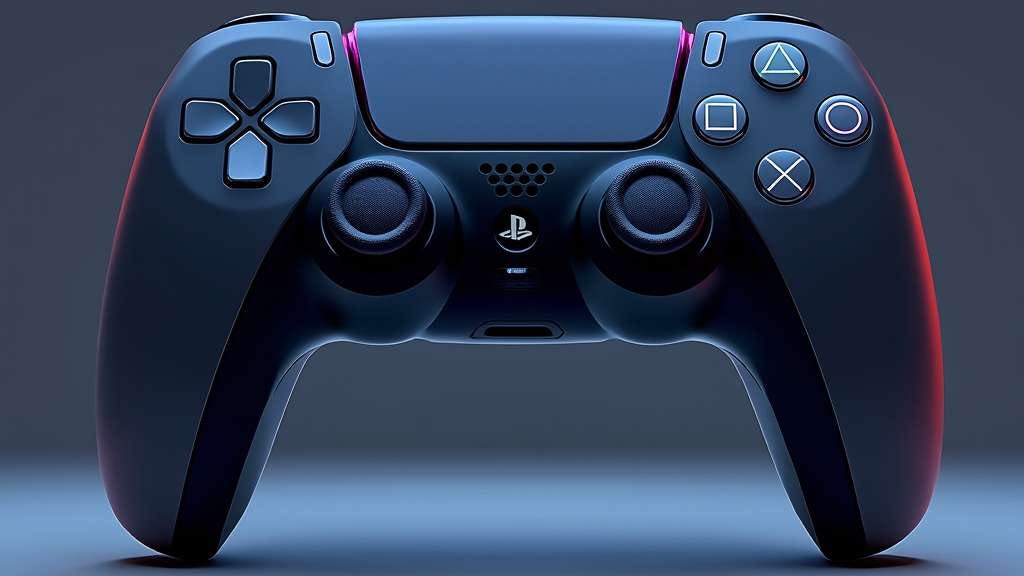
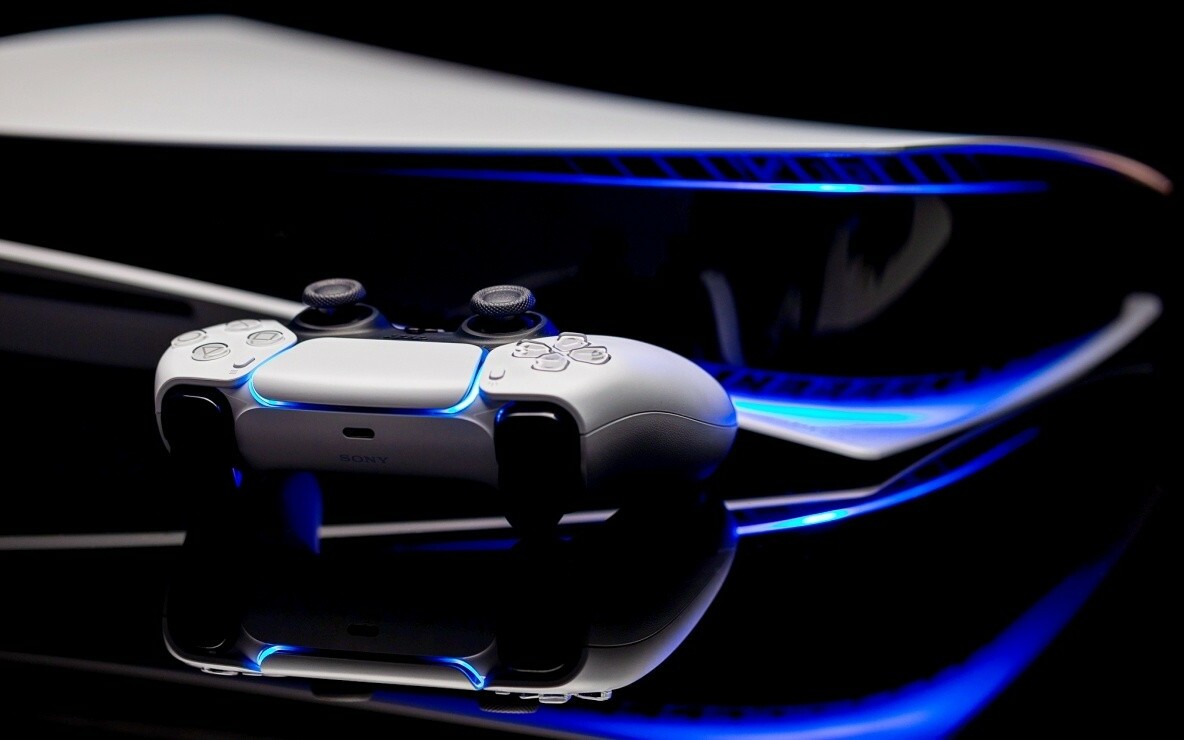
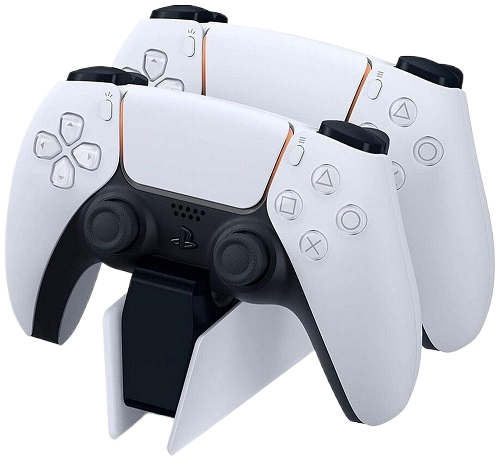
The DualShock 4 controller is an improved version of Sony's classic joystick, delivering the best gaming experience for PlayStation 5 Pro users.
Wireless: The controller uses Bluetooth technology to connect wirelessly to the console, allowing for maximum freedom of movement. Lighting: Built-in LED panel that changes color depending on in-game events, allowing for greater immersion in the game. Vibration: Enhanced vibration and haptic feedback for a better gaming experience.
Originality: 100% original product with certification and quality guarantee. An original product for connoisseurs of high-quality video games.
12 months manufacturer's warranty.
Service support and maintenance in authorized centers.
Powerful console, but you have to connect an additional cooling system to it, as it can get very hot. Otherwise, everything is super!
I bought a PS5 Pro as a gift for a friend, he was delighted. The games look like real movies. Now he can't tear himself away from it.
The PS5 Pro is not just a gaming console, it’s a whole entertainment center! Watching movies and playing games in 8K is something incredible. Great buy!
Very good console. Video games with 8K support look great. Everything works without delays and failures. I recommend it for real gamers.
For me, the PS5 Pro is the perfect console. The quality of the games, the graphics, the sounds - everything is top notch. I am very happy that I bought this model!.
Very happy with the purchase! The console is not only powerful, but also stylish. Excellent video and sound quality, ideal for all types of games!
I bought a PS5 Pro for online games, and now every match is something! The graphics are superb, and no delays bother me. I recommend it to everyone.
The console is great, but there is some noise when it runs at maximum speed. Overall, the quality of games on the PS5 Pro is impressive. It's really cool to play in 8K!
Very happy with the purchase. For the money, the PS5 Pro is the best choice on the market. Games look great and loading times are much faster. Definitely recommend!
I've been playing on the PS5 Pro for a few months now and it's an absolute joy! The graphics in 8K are simply stunning and the performance of the console is top-notch. I can't imagine my life without this console!
Go to the page and fill in your details to receive the order and go to the payment page.
Place an order
Method of payment for goods: PayPal, VISA, MasterCart, YooMoney, Qiwi, Payeer, Advcesh, Perfect Money, Bitcoin BTC, Ethereum ETH, USDT, BNB ...
Delivery Sending to your address in a convenient way: Free delivery by mail and Paid delivery by FedEx, DHL, BTS, EMS TNT... and courier delivery worldwide.
Your goods will be delivered to the specified address by a courier company anywhere in the world, high quality and guaranteed, thank you for your attention.
Available payment methods
We offer a wide range of payment methods for your convenience:
PayPal, VISA Master Cart, YooMoney, Qiwi, Payeer, Advcesh, Perfect Money, Bitcoin (BTC), Ethereum (ETH), USDT, BNB And many others!
Return of funds and goods up to 60 days.
Worldwide shipping. Regardless of your location, you will be able to receive your order as soon as possible.
Free shipping by standard mail delivery time up to 60 days.
Paid shipping FedEx, DHL, BTS, EMS THT – high quality service and delivery in the shortest time up to 15 days.
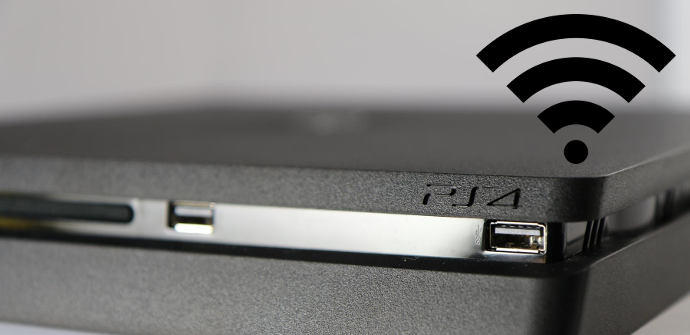
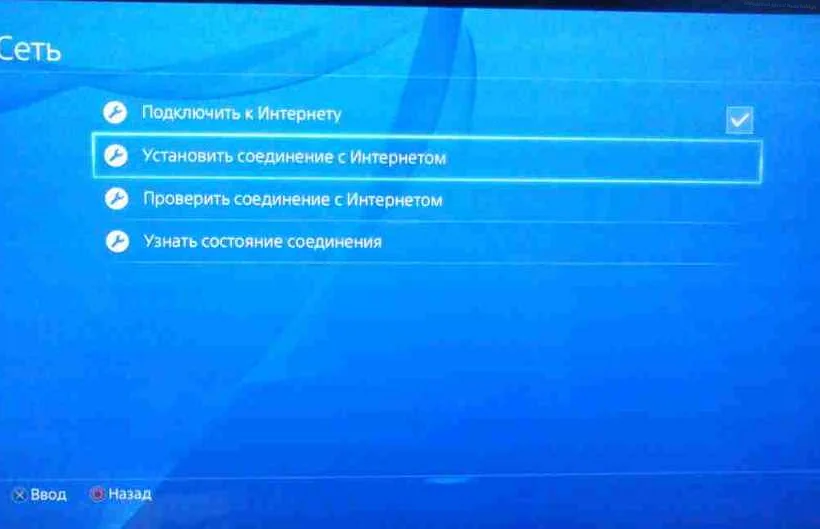
Wi fi в playstation 4.
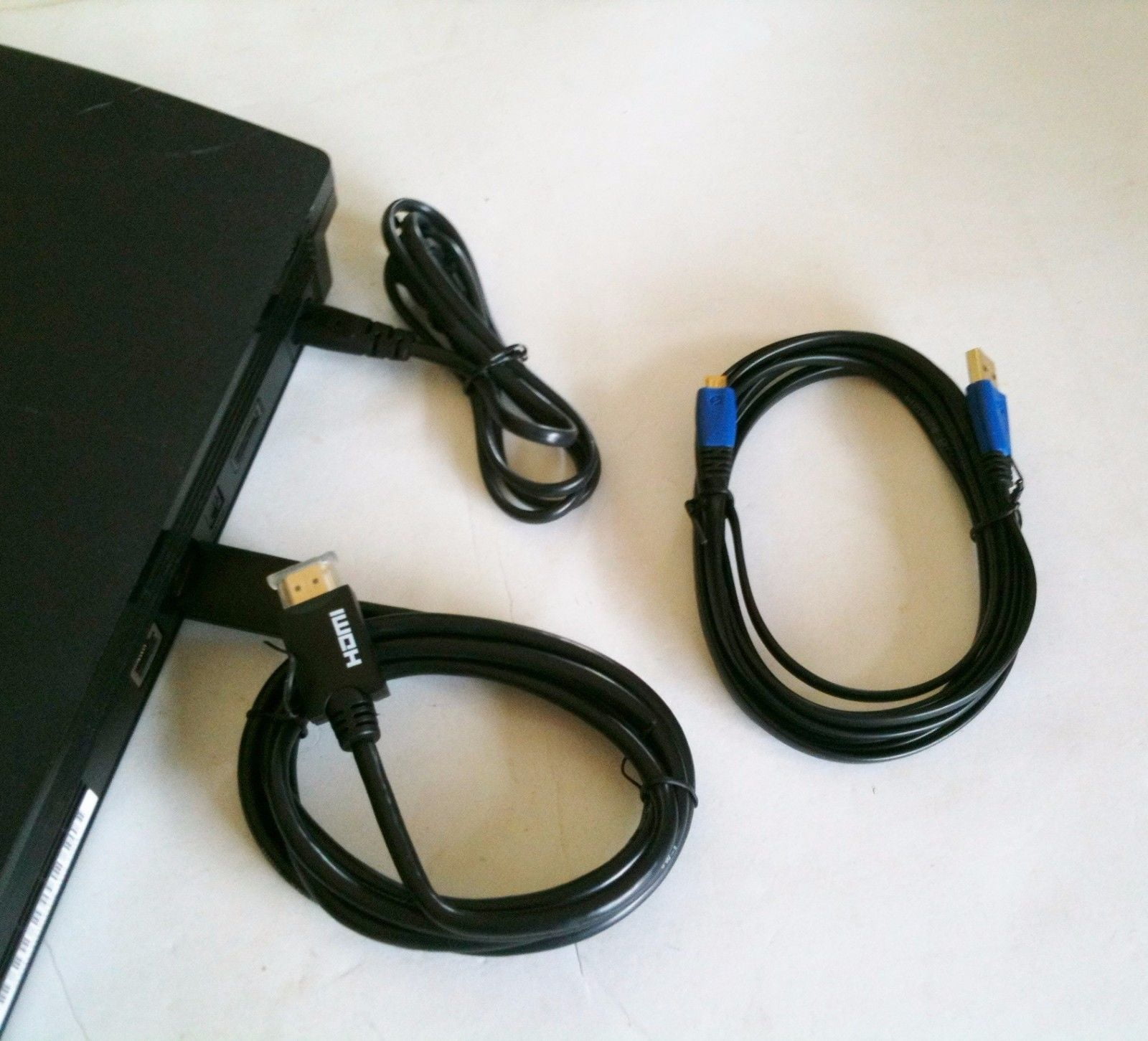
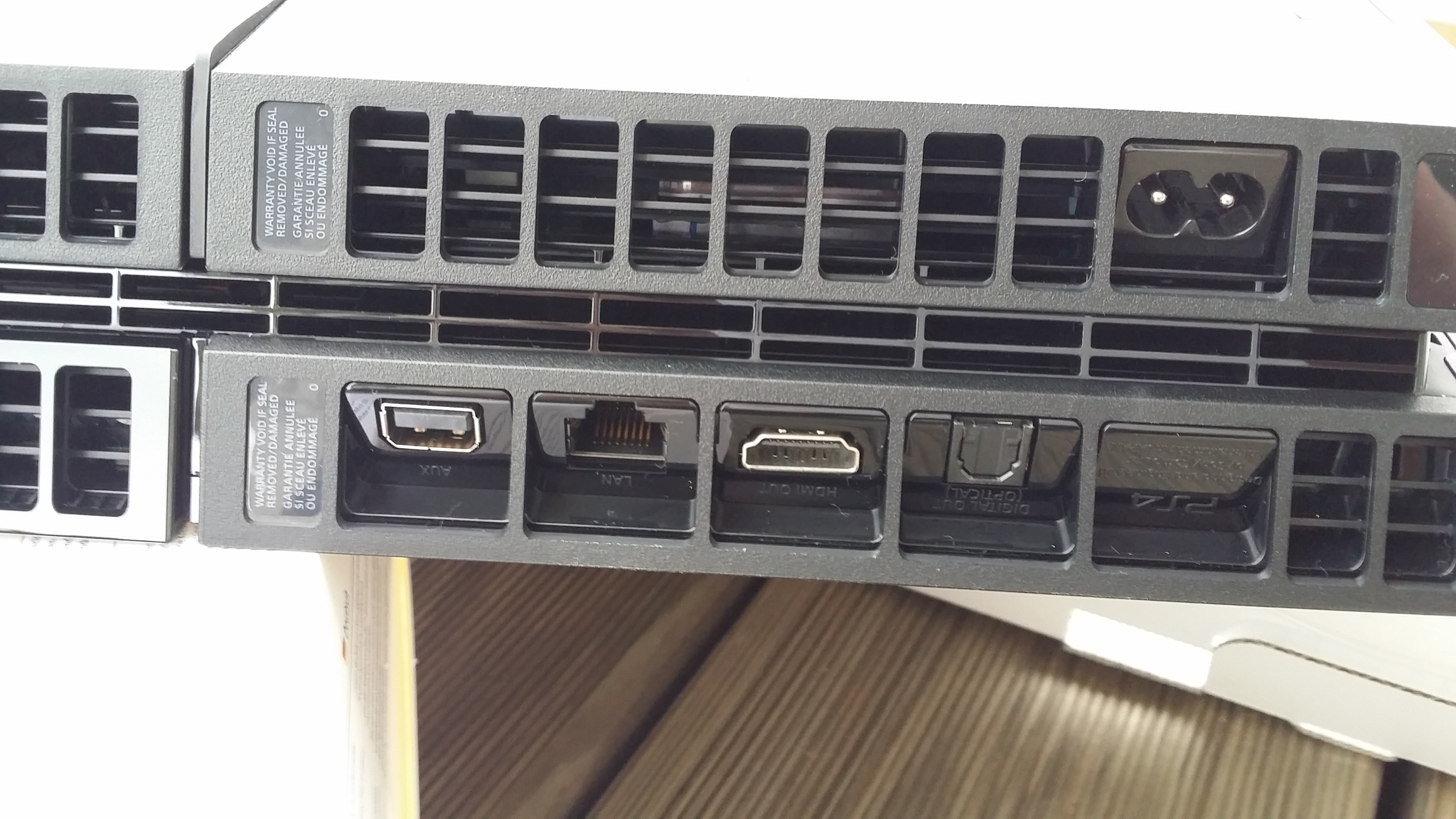
Соединительный кабель для модуля антенны Wi-Fi игровой консоли Playstation 4 PS4
Sugerencia: Después de conectarte, se guardará la red. Cuando tu dispositivo esté cerca y la conexión Wi-Fi activada, se conectará automáticamente a esta red.
New hit sales 2025 Buy
Wi fi в playstation 4, Sony PlayStation 5 Pro. - a great solution for connoisseurs of high-quality video games.
Special offer is valid for a limited time! Don't miss the chance to get 3 consoles for the price of 2.
Place an order now for the promotion: buy 2 pieces and get 3 as a gift. and enjoy the fascinating world of games!


Sugerencia: Después de conectarte, se guardará la red. Cuando tu dispositivo esté cerca y la conexión Wi-Fi activada, se conectará automáticamente a esta red.
京ICP证030173号-1 京网文【2023】1034-029号 ©2025Baidu 使用百度前必读 | 知道协议
首先检查驱动是否安装成功,步骤如下:
1、在桌面上,右键单击“此电脑”,点击“管理”。
2、点击左侧“设备管理器”,将右侧“网络适配器”展开,找到其中带有黄色三角号的图标。
3、右键单击带有黄色三角号的图标,点击“更新驱动程序软件”。
4、点击“自动搜索更新的驱动程序软件”。
5、等待搜索,并完成自动安装。
6、安装完毕,弹出提示,点击“关闭”。
检查桌面右下角网络图标是否存在,步骤如下:
1、右键单击“任务栏”,点击“设置”。
2、在下方的“通知区域”的下方,点击“打开或关闭系统图标”。
3、将“网络”,设置为“开”,即时生效。
查看无线网的开关是否打开,步骤如下:
第一步:
部分笔记本机型在电脑侧面有一个类似于WIFI开关的按钮,这里即是控制WIFI开关的地方。图中左侧为关,右侧为开。
第二步(非联想电脑跳过):
部分联想笔记本机型同时按住电脑键盘上的Fn+F5键,即可弹出WIFI开关,点击进行开启即可。
第三步:
windows10系统下,点击右下角的“网络图标”,点击左下角的带有wifi图标的方块,当图标变暗的时候就是关闭状态,变亮的时候就是开启状态。
Windows10连接wifi的步骤如下:
方法一:
1、找到屏幕右下角,网络图标。
2、单击这个网络图标,弹出列表,让左下角的WLAN呈高亮状态,如未高亮,则点击WLAN一下。
3、找到要连接的wifi,左键点击一下,然后点击“连接”。
4、如果该wifi有密码,则输入密码,然后点击“下一步”,稍等片刻,wifi就连上了。如果没有密码,则直接就连上了。
方法二:
1、用Cortana搜索“WLAN”,点击“更改WLAN设置”。
2、在“显示可用网络”上方设置为“开”,然后点击“显示可用网络”。
3、在屏幕右下方,弹出列表。
4、找到要连接的wifi,左键点击一下,然后点击“连接”。
5、如果该wifi有密码,则输入密码,然后点击“下一步”,稍等片刻,wifi就连上了。如果没有密码,则直接就连上了。
右下角的网络图标不见了,可能是禁用或者丢了网卡驱动,在此电脑图标上右键,属性,设备管理器,在设备管理器中找到网络适配器或者网卡,看看下面的设备有没有禁用,如果禁用启动它。
如果没有设备,就是网卡驱动丢失了,重装下网卡驱动。
如果也没禁用也有网卡驱动,运行:netsh winsock reset试下
以管理员身份运行cmd,分别执行如下两条命令,然后重启计算机看问题是否解决
net localgroup administrators localservice /add
net localgroup administrators networkservice /add