More enhancements under the hood of the PS5 Pro console. 2TB of storage Keep your favorite games ready and waiting for you to jump in and play with 2TB of SSD storage built-in.
Wi-Fi 7 compatible PS5 Pro supports Wi-Fi 7, so you can enjoy more usable bandwidth to increase transfer speeds with your compatible router, which means you can experience reduced latency and boosted stability when playing online. PS5 Pro Game Boost and backwards compatibility The PS5 Pro console can play over 8,500 PS4® games. With the PS5 Pro version of the Game Boost feature, you can enjoy faster and smoother frame rates in some of the PS4 and PS5 console’s greatest games.
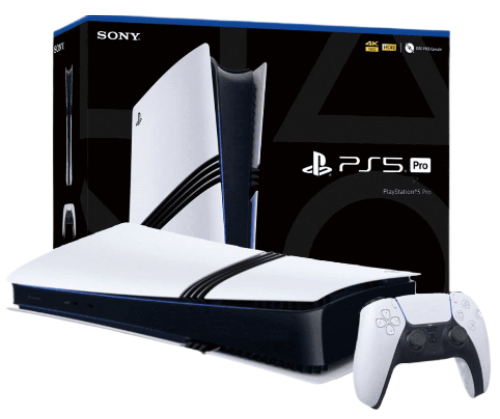
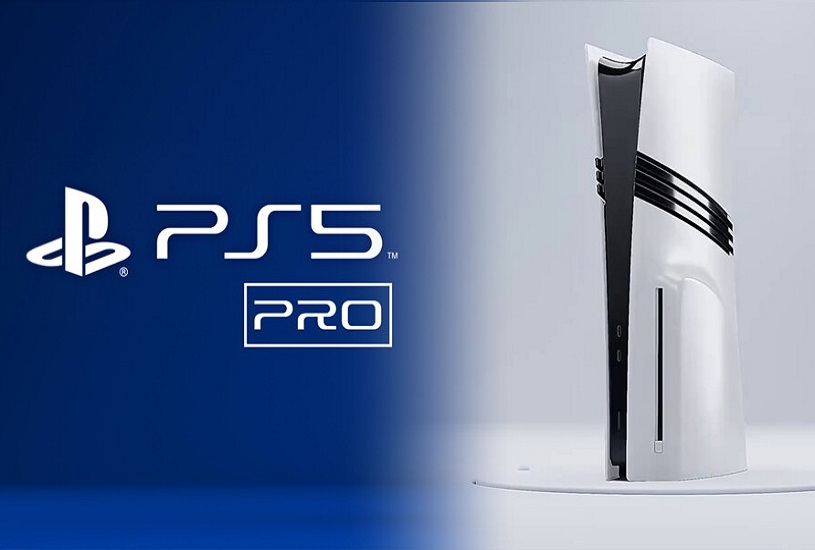
The appearance of the PlayStation 5 Pro is hardly surprising, besides, Sony showed a schematic drawing of it even before the official announcement. The console looks like the PS5 Slim, but with additional stripes on the sides. The important difference lies in the dimensions. The width of the Pro-version is similar to the reduced PS5, but the height in the vertical position is equal to the height of the standard console, released in 2020 - as much as 39 centimeters.
Compactness had to be sacrificed for the sake of improved components and cooling. Such an important feature as the ability to install the device vertically and horizontally has been preserved. The only problem is that the vertical stand will have to be purchased separately.
The cost of PlayStation 5 Pro is an extremely hot topic that has caused massive criticism from gamers. At launch, the console will sell for 800 euros (about 800 $) in the European region. By the standards of home consoles, this is a hefty sum, which could potentially scare away newcomers to the world of gaming.
At the same time, the delivery set turned out to be meager - the buyer will get only the console itself without a disk drive and a DualSense gamepad. Yes, to run disks you will have to pay for a separate disk drive, which will require network access. However, the PlayStation 5 Pro has a weighty plus - SSD-storage capacity of 2 terabytes right out of the box. That's twice as much free space as the PS5 Slim.
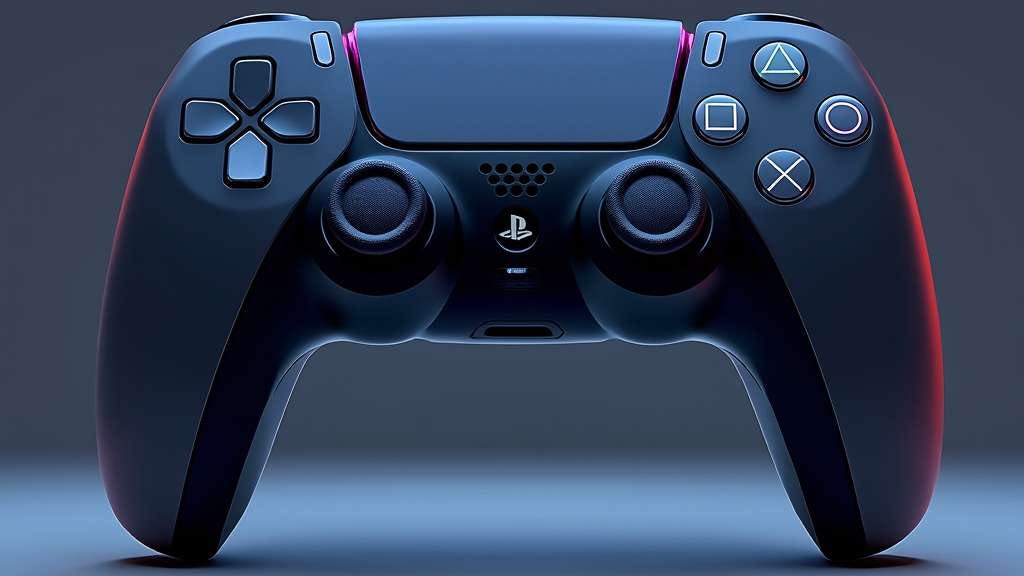
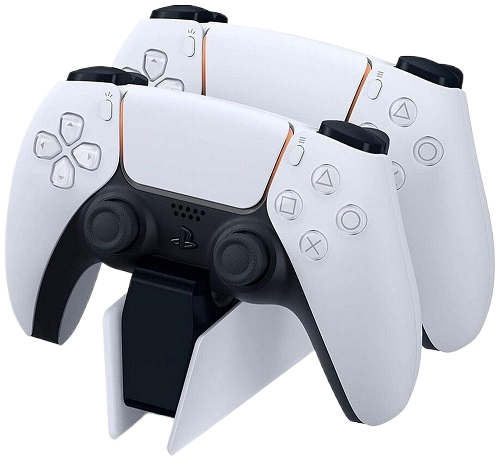
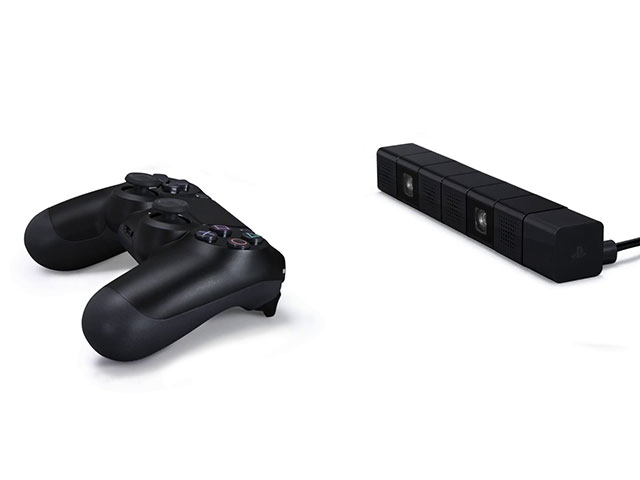
The DualShock 4 controller is an improved version of Sony's classic joystick, delivering the best gaming experience for PlayStation 5 Pro users.
Wireless: The controller uses Bluetooth technology to connect wirelessly to the console, allowing for maximum freedom of movement. Lighting: Built-in LED panel that changes color depending on in-game events, allowing for greater immersion in the game. Vibration: Enhanced vibration and haptic feedback for a better gaming experience.
Originality: 100% original product with certification and quality guarantee. An original product for connoisseurs of high-quality video games.
12 months manufacturer's warranty.
Service support and maintenance in authorized centers.
Powerful console, but you have to connect an additional cooling system to it, as it can get very hot. Otherwise, everything is super!
I bought a PS5 Pro as a gift for a friend, he was delighted. The games look like real movies. Now he can't tear himself away from it.
The PS5 Pro is not just a gaming console, it’s a whole entertainment center! Watching movies and playing games in 8K is something incredible. Great buy!
Very good console. Video games with 8K support look great. Everything works without delays and failures. I recommend it for real gamers.
For me, the PS5 Pro is the perfect console. The quality of the games, the graphics, the sounds - everything is top notch. I am very happy that I bought this model!.
Very happy with the purchase! The console is not only powerful, but also stylish. Excellent video and sound quality, ideal for all types of games!
I bought a PS5 Pro for online games, and now every match is something! The graphics are superb, and no delays bother me. I recommend it to everyone.
The console is great, but there is some noise when it runs at maximum speed. Overall, the quality of games on the PS5 Pro is impressive. It's really cool to play in 8K!
Very happy with the purchase. For the money, the PS5 Pro is the best choice on the market. Games look great and loading times are much faster. Definitely recommend!
I've been playing on the PS5 Pro for a few months now and it's an absolute joy! The graphics in 8K are simply stunning and the performance of the console is top-notch. I can't imagine my life without this console!
Go to the page and fill in your details to receive the order and go to the payment page.
Place an order
Method of payment for goods: PayPal, VISA, MasterCart, YooMoney, Qiwi, Payeer, Advcesh, Perfect Money, Bitcoin BTC, Ethereum ETH, USDT, BNB ...
Delivery Sending to your address in a convenient way: Free delivery by mail and Paid delivery by FedEx, DHL, BTS, EMS TNT... and courier delivery worldwide.
Your goods will be delivered to the specified address by a courier company anywhere in the world, high quality and guaranteed, thank you for your attention.
Available payment methods
We offer a wide range of payment methods for your convenience:
PayPal, VISA Master Cart, YooMoney, Qiwi, Payeer, Advcesh, Perfect Money, Bitcoin (BTC), Ethereum (ETH), USDT, BNB And many others!
Return of funds and goods up to 60 days.
Worldwide shipping. Regardless of your location, you will be able to receive your order as soon as possible.
Free shipping by standard mail delivery time up to 60 days.
Paid shipping FedEx, DHL, BTS, EMS THT – high quality service and delivery in the shortest time up to 15 days.
Playstation 4 nat.
Игровой руль Defender Fanatic
Проводной игровой руль с эффектом вибрации, удобными педалями и рычагом переключения передач. Поддерживаемые платформы: Play. Station 3,. Play. Station 4,. Android 5. 0 и выше,. Android. TV box,. XBOX 360,. Nintendo. Switch,. XBOX. One,. Xbox. Series. X/. S ,. ПК (Dinput и. Xinput). Руль надежно
This is the most secure option by far, but completely unsuitable for gaming. If it seems that you can hardly find anyone to play with, or can’t connect to game servers at all, this NAT type is often the culprit.
New hit sales 2026 Buy
Playstation 4 nat, Sony PlayStation 5 Pro. - a great solution for connoisseurs of high-quality video games.
Special offer is valid for a limited time! Don't miss the chance to get 3 consoles for the price of 2.
Place an order now for the promotion: buy 2 pieces and get 3 as a gift. and enjoy the fascinating world of games!
This is the most secure option by far, but completely unsuitable for gaming. If it seems that you can hardly find anyone to play with, or can’t connect to game servers at all, this NAT type is often the culprit.
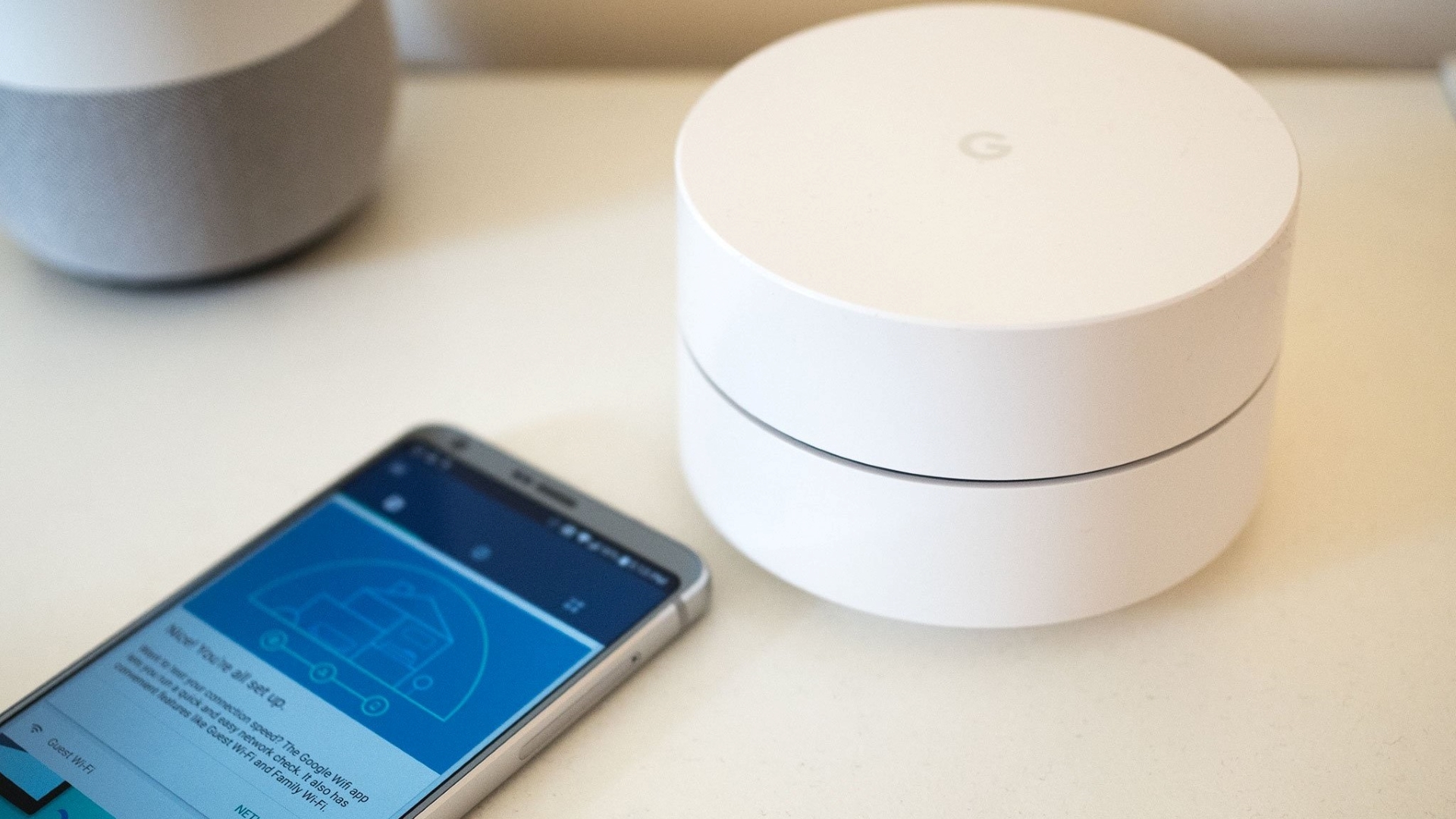
The Eero 6 is an excellent mesh router that covers up to 1,500 square feet and gives users some incredible speeds. Its easy-to-use operations and automatic updates are also a huge plus for those who may not be technologically savvy.
If you're a PS4 gamer, you've likely heard of NAT, but do you really know what it means and how it can affect your gaming experience? NAT, or Network Address Translation, is a protocol used to assign IP addresses to devices on a network. In simple terms, NAT essentially acts as a middleman between your console and the outside world. Proper NAT configuration can significantly improve your online gaming experience. In this guide, we'll show you how to configure the NAT type on your PS4 to enhance your gaming experience.
Your PlayStation 4’s NAT type determines the number of features that you can access and use when playing your favorite games on arguably the most popular current-gen console today. A type 3, or Strict NAT, will still allow you to play offline, but you’re then going to have to miss out on all the online multi-player fun (at least for games like Destiny as well as the COD and Battlefield series). Ideally, you would want a type 2, or Moderate NAT, to be able to use in-game voice chat as well as to access the PSN Store. To set your PS4’s NAT to type 2, you’ll have to make sure that your router is properly configured first.
Now that you’re familiar with the available methods, it’s crucial to consider your network setup and requirements when choosing the appropriate method. Factors such as router compatibility, network security concerns, and the specific game’s requirements should be taken into account.
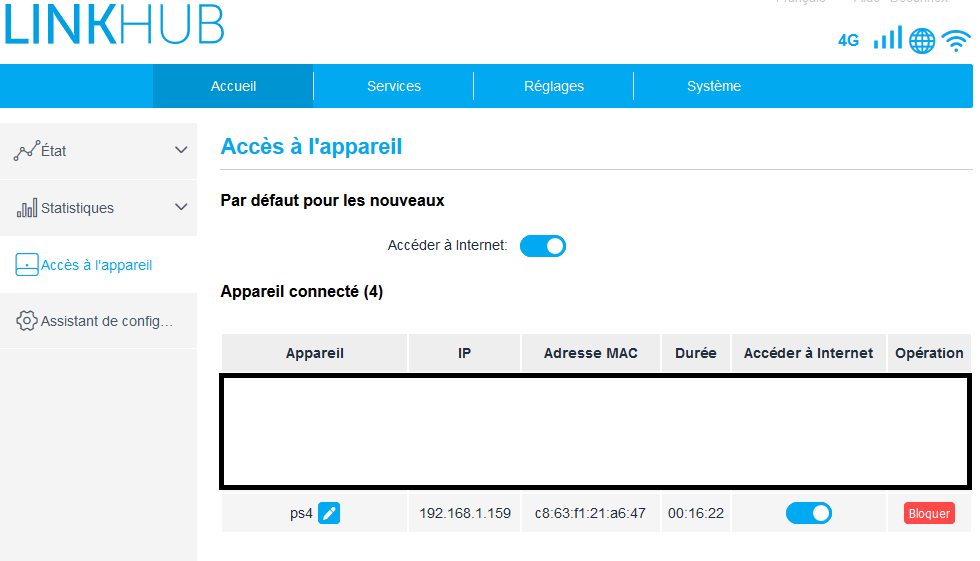
Step 4: After UPnP has been switched on, there are two ways to go about changing NAT type. You can assign it to your network’s Demilitarized Zone (DMZ), if you have this enabled, but we don’t recommend you do this – it will leave your system completely open to security threats. Instead, you should forward specific ports to the PS4 console.
Your PS4 can be connected properly if you are in one of the two types. In this case, if one network connection issue happens, the possible reason might be a glitch with your connection and the issue may be solved by rebooting your console.
Tags: Playstation, 4, nat,