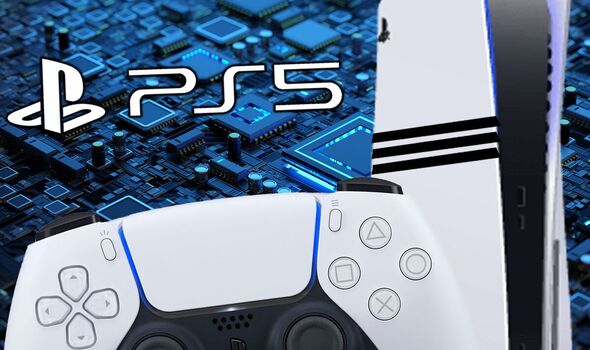
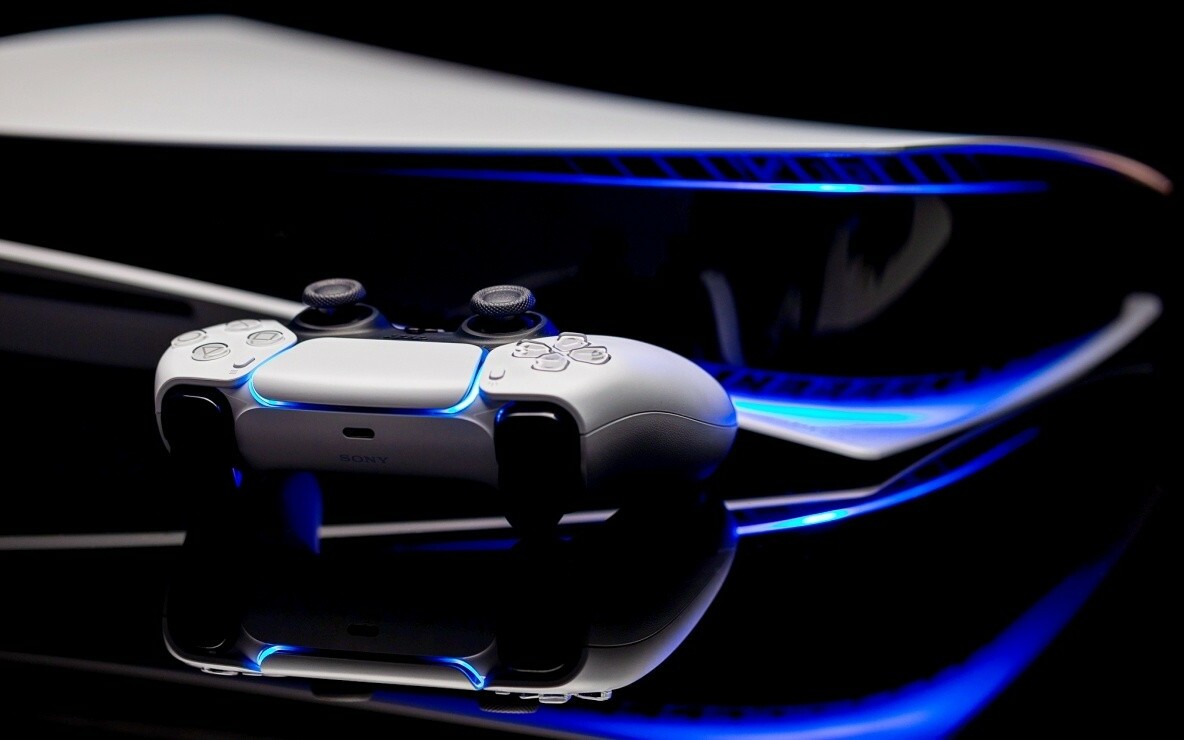
More enhancements under the hood of the PS5 Pro console. 2TB of storage Keep your favorite games ready and waiting for you to jump in and play with 2TB of SSD storage built-in.
Wi-Fi 7 compatible PS5 Pro supports Wi-Fi 7, so you can enjoy more usable bandwidth to increase transfer speeds with your compatible router, which means you can experience reduced latency and boosted stability when playing online. PS5 Pro Game Boost and backwards compatibility The PS5 Pro console can play over 8,500 PS4® games. With the PS5 Pro version of the Game Boost feature, you can enjoy faster and smoother frame rates in some of the PS4 and PS5 console’s greatest games.
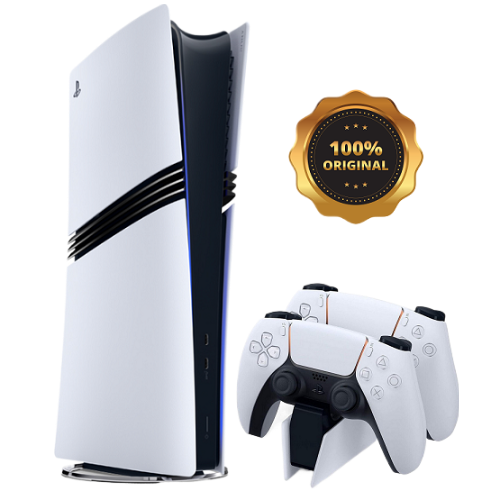
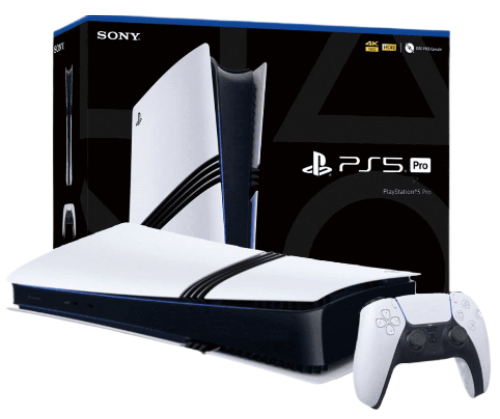
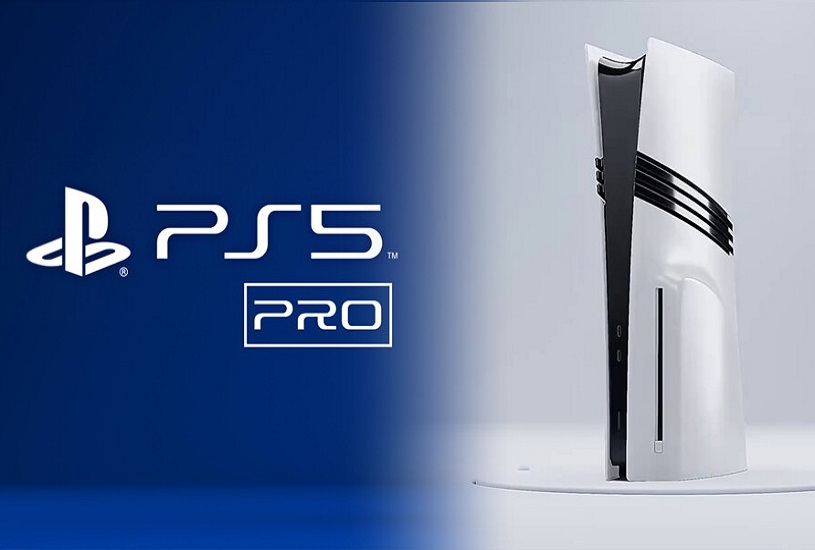
The appearance of the PlayStation 5 Pro is hardly surprising, besides, Sony showed a schematic drawing of it even before the official announcement. The console looks like the PS5 Slim, but with additional stripes on the sides. The important difference lies in the dimensions. The width of the Pro-version is similar to the reduced PS5, but the height in the vertical position is equal to the height of the standard console, released in 2020 - as much as 39 centimeters.
Compactness had to be sacrificed for the sake of improved components and cooling. Such an important feature as the ability to install the device vertically and horizontally has been preserved. The only problem is that the vertical stand will have to be purchased separately.
The cost of PlayStation 5 Pro is an extremely hot topic that has caused massive criticism from gamers. At launch, the console will sell for 800 euros (about 800 $) in the European region. By the standards of home consoles, this is a hefty sum, which could potentially scare away newcomers to the world of gaming.
At the same time, the delivery set turned out to be meager - the buyer will get only the console itself without a disk drive and a DualSense gamepad. Yes, to run disks you will have to pay for a separate disk drive, which will require network access. However, the PlayStation 5 Pro has a weighty plus - SSD-storage capacity of 2 terabytes right out of the box. That's twice as much free space as the PS5 Slim.
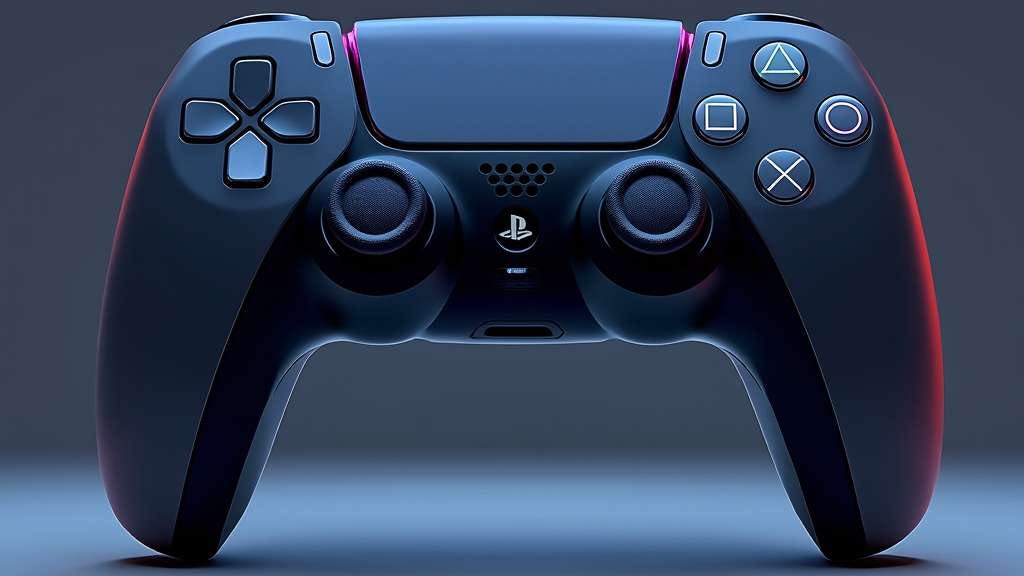
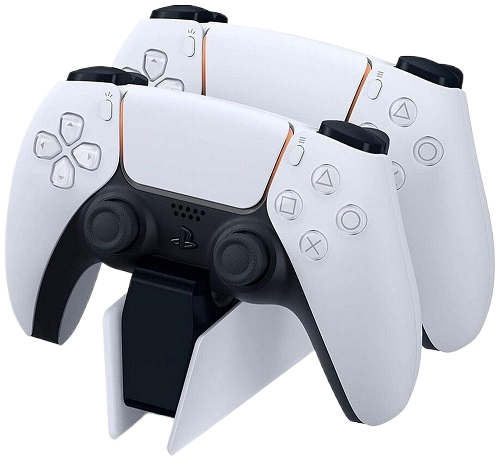
The DualShock 4 controller is an improved version of Sony's classic joystick, delivering the best gaming experience for PlayStation 5 Pro users.
Wireless: The controller uses Bluetooth technology to connect wirelessly to the console, allowing for maximum freedom of movement. Lighting: Built-in LED panel that changes color depending on in-game events, allowing for greater immersion in the game. Vibration: Enhanced vibration and haptic feedback for a better gaming experience.
Originality: 100% original product with certification and quality guarantee. An original product for connoisseurs of high-quality video games.
12 months manufacturer's warranty.
Service support and maintenance in authorized centers.
Powerful console, but you have to connect an additional cooling system to it, as it can get very hot. Otherwise, everything is super!
I bought a PS5 Pro as a gift for a friend, he was delighted. The games look like real movies. Now he can't tear himself away from it.
The PS5 Pro is not just a gaming console, it’s a whole entertainment center! Watching movies and playing games in 8K is something incredible. Great buy!
Very good console. Video games with 8K support look great. Everything works without delays and failures. I recommend it for real gamers.
For me, the PS5 Pro is the perfect console. The quality of the games, the graphics, the sounds - everything is top notch. I am very happy that I bought this model!.
Very happy with the purchase! The console is not only powerful, but also stylish. Excellent video and sound quality, ideal for all types of games!
I bought a PS5 Pro for online games, and now every match is something! The graphics are superb, and no delays bother me. I recommend it to everyone.
The console is great, but there is some noise when it runs at maximum speed. Overall, the quality of games on the PS5 Pro is impressive. It's really cool to play in 8K!
Very happy with the purchase. For the money, the PS5 Pro is the best choice on the market. Games look great and loading times are much faster. Definitely recommend!
I've been playing on the PS5 Pro for a few months now and it's an absolute joy! The graphics in 8K are simply stunning and the performance of the console is top-notch. I can't imagine my life without this console!
Go to the page and fill in your details to receive the order and go to the payment page.
Place an order
Method of payment for goods: PayPal, VISA, MasterCart, YooMoney, Qiwi, Payeer, Advcesh, Perfect Money, Bitcoin BTC, Ethereum ETH, USDT, BNB ...
Delivery Sending to your address in a convenient way: Free delivery by mail and Paid delivery by FedEx, DHL, BTS, EMS TNT... and courier delivery worldwide.
Your goods will be delivered to the specified address by a courier company anywhere in the world, high quality and guaranteed, thank you for your attention.
Available payment methods
We offer a wide range of payment methods for your convenience:
PayPal, VISA Master Cart, YooMoney, Qiwi, Payeer, Advcesh, Perfect Money, Bitcoin (BTC), Ethereum (ETH), USDT, BNB And many others!
Return of funds and goods up to 60 days.
Worldwide shipping. Regardless of your location, you will be able to receive your order as soon as possible.
Free shipping by standard mail delivery time up to 60 days.
Paid shipping FedEx, DHL, BTS, EMS THT – high quality service and delivery in the shortest time up to 15 days.
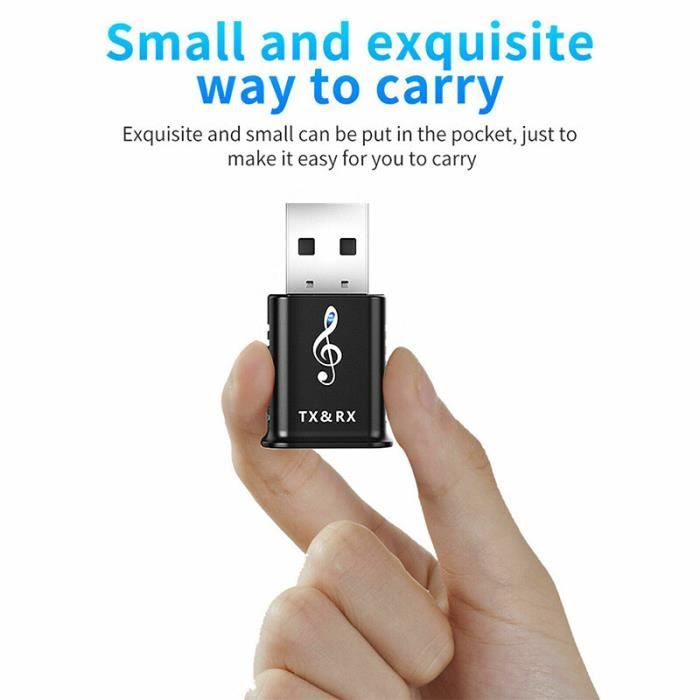
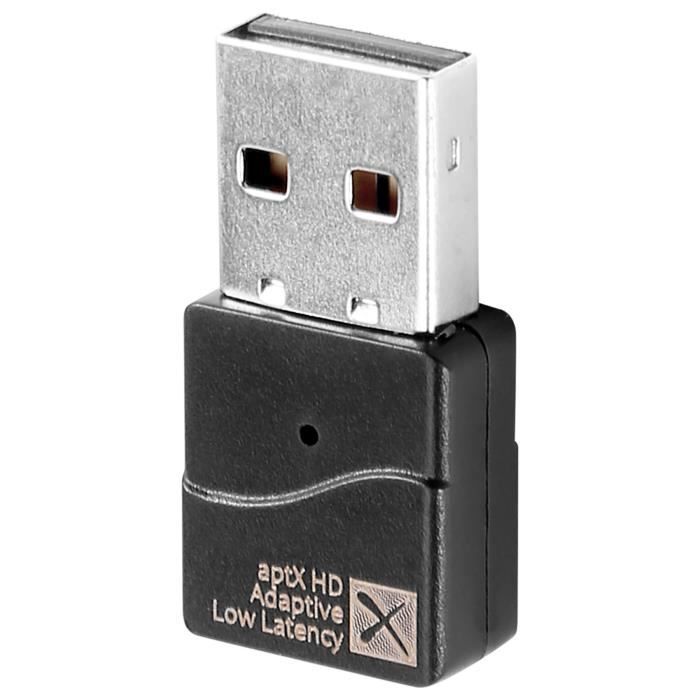
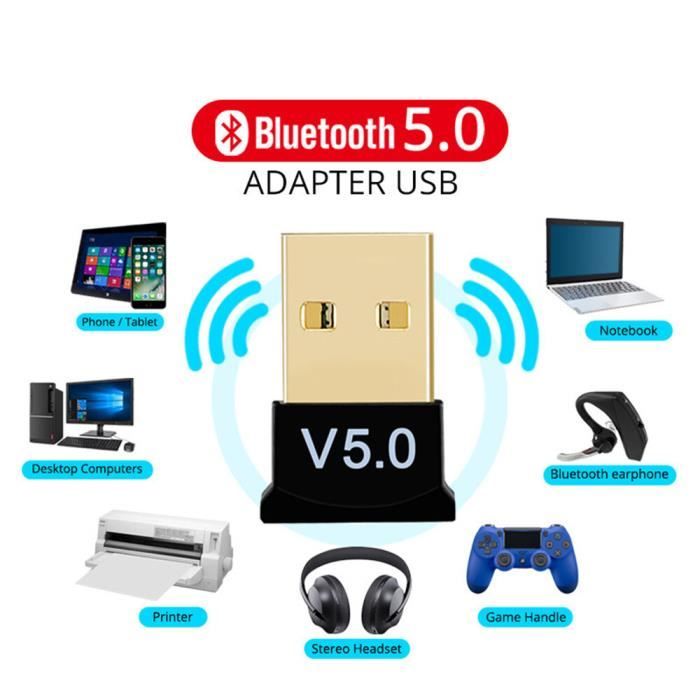
Bluetooth адаптер для playstation 4 подключение наушников.
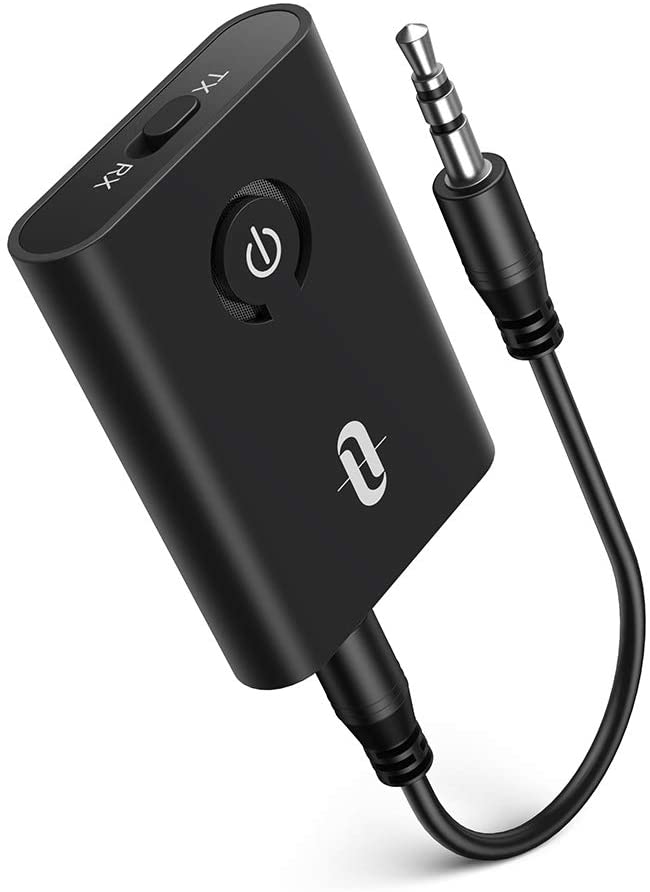
2 в 1, адаптер Bluetooth 5,0, приемник-передатчик для наушников, подключение двух Bluetooth-гарнитур, стерео аудио 3,5 мм AUX T19
Jei norite prijungti kai kuriuos įrenginius prie telefono be laido, galite naudoti „Bluetooth“. Kai pirmą kartą susiesite „Bluetooth“ įrenginį, įrenginiai bus prijungti automatiškai. Jei telefonas prijungtas prie kokio nors įrenginio naudojant
New hit sales 2025 Buy
Bluetooth адаптер для playstation 4 подключение наушников, Sony PlayStation 5 Pro. - a great solution for connoisseurs of high-quality video games.
Special offer is valid for a limited time! Don't miss the chance to get 3 consoles for the price of 2.
Place an order now for the promotion: buy 2 pieces and get 3 as a gift. and enjoy the fascinating world of games!


Jei norite prijungti kai kuriuos įrenginius prie telefono be laido, galite naudoti „Bluetooth“. Kai pirmą kartą susiesite „Bluetooth“ įrenginį, įrenginiai bus prijungti automatiškai. Jei telefonas prijungtas prie kokio nors įrenginio naudojant „Bluetooth“, ekrano viršuje rodoma „Bluetooth“ piktograma . Sužinokite, kaip susieti „Bluetooth“ įrenginį .
Bluetooth'u kullanarak telefonunuzu bazı cihazlara kablosuz olarak bağlayabilirsiniz. Bluetooth cihazını ilk kez eşledikten sonra cihazlarınız otomatik olarak bağlanabilir. Telefonunuz Bluetooth aracılığıyla bir cihaza bağlanırsa ekranın üst kısmında bir Bluetooth simgesi görüntülenir. Bir Bluetooth cihazı nasıl bağlayacağınızı öğrenin .
Bluetooth segítségével egyes eszközöket kábel nélkül csatlakoztathat a telefonjához. Miután először párosít egy adott Bluetooth-eszközt, a rendszer automatikusan csatlakoztatni tudja a telefonjához. Ha telefonja kapcsolódik valamilyen eszközhöz Bluetoothon keresztül, a képernyő tetején megjelenik a Bluetooth ikon. További információ a Bluetooth-eszközök csatlakoztatásáról .
Możesz łączyć niektóre urządzenia z telefonem bezprzewodowo, przez Bluetooth. Po pierwszym sparowaniu urządzeń Bluetooth będą mogły one łączyć się automatycznie. Jeśli telefon jest połączony z innym urządzeniem przez Bluetooth, u góry ekranu będzie widoczna ikona Bluetootha . Jak połączyć urządzenie Bluetooth
Για να συνδέσετε ορισμένες συσκευές στο τηλέφωνό σας χωρίς καλώδιο, μπορείτε να χρησιμοποιήσετε το Bluetooth. Μετά την πρώτη σύζευξη μιας συσκευής Bluetooth, οι συσκευές θα μπορούν να συνδέονται αυτόματα μεταξύ τους. Εάν το τηλέφωνο είναι συνδεδεμένο σε κάποια συσκευή μέσω Bluetooth, στο επάνω μέρος της οθόνης θα εμφανίζεται το εικονίδιο Bluetooth . Μάθετε πώς μπορείτε να συνδέσετε μια συσκευή Bluetooth .
Para conectar alguns dispositivos ao smartphone sem um cabo, use o Bluetooth. Depois que o pareamento é feito pela primeira vez, a conexão passa a ser automática. Quando o smartphone estiver conectado a algum dispositivo por Bluetooth, o ícone será mostrado na parte de cima da tela. Aprenda a conectar um dispositivo Bluetooth .
Para conectar algunos dispositivos a tu teléfono sin utilizar cables, puedes usar el Bluetooth. Después de emparejar un dispositivo Bluetooth por primera vez, tus dispositivos se pueden conectar automáticamente. Si tu teléfono está conectado a un dispositivo por Bluetooth, aparecerá el icono de Bluetooth en la parte superior de la pantalla. Consulta cómo conectar un dispositivo Bluetooth .
Tags: Bluetooth, адаптер, для, playstation, 4, подключение, наушников,