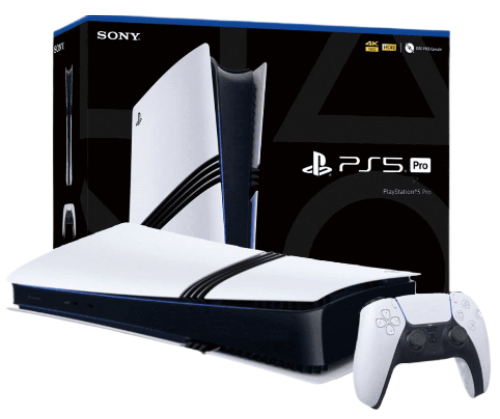
More enhancements under the hood of the PS5 Pro console. 2TB of storage Keep your favorite games ready and waiting for you to jump in and play with 2TB of SSD storage built-in.
Wi-Fi 7 compatible PS5 Pro supports Wi-Fi 7, so you can enjoy more usable bandwidth to increase transfer speeds with your compatible router, which means you can experience reduced latency and boosted stability when playing online. PS5 Pro Game Boost and backwards compatibility The PS5 Pro console can play over 8,500 PS4® games. With the PS5 Pro version of the Game Boost feature, you can enjoy faster and smoother frame rates in some of the PS4 and PS5 console’s greatest games.
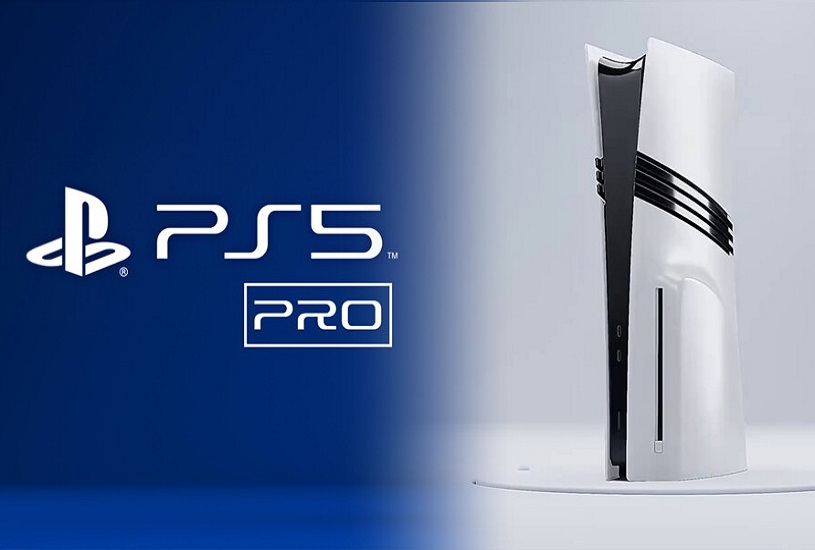
The appearance of the PlayStation 5 Pro is hardly surprising, besides, Sony showed a schematic drawing of it even before the official announcement. The console looks like the PS5 Slim, but with additional stripes on the sides. The important difference lies in the dimensions. The width of the Pro-version is similar to the reduced PS5, but the height in the vertical position is equal to the height of the standard console, released in 2020 - as much as 39 centimeters.
Compactness had to be sacrificed for the sake of improved components and cooling. Such an important feature as the ability to install the device vertically and horizontally has been preserved. The only problem is that the vertical stand will have to be purchased separately.
The cost of PlayStation 5 Pro is an extremely hot topic that has caused massive criticism from gamers. At launch, the console will sell for 800 euros (about 800 $) in the European region. By the standards of home consoles, this is a hefty sum, which could potentially scare away newcomers to the world of gaming.
At the same time, the delivery set turned out to be meager - the buyer will get only the console itself without a disk drive and a DualSense gamepad. Yes, to run disks you will have to pay for a separate disk drive, which will require network access. However, the PlayStation 5 Pro has a weighty plus - SSD-storage capacity of 2 terabytes right out of the box. That's twice as much free space as the PS5 Slim.
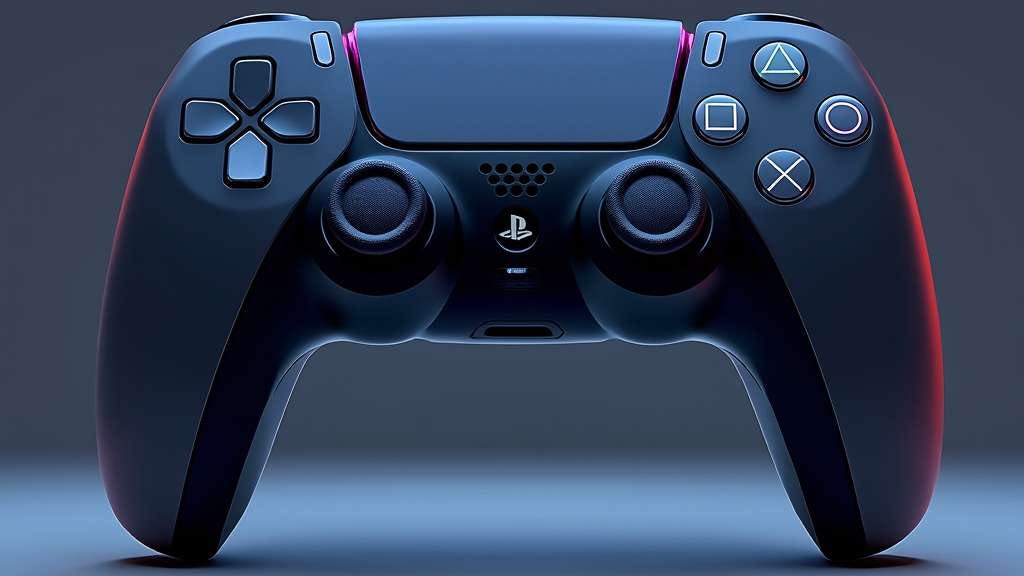
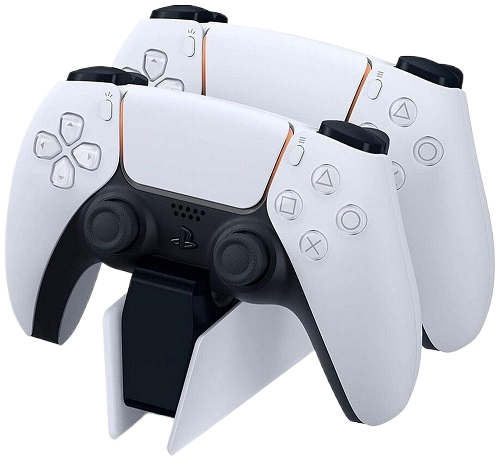
The DualShock 4 controller is an improved version of Sony's classic joystick, delivering the best gaming experience for PlayStation 5 Pro users.
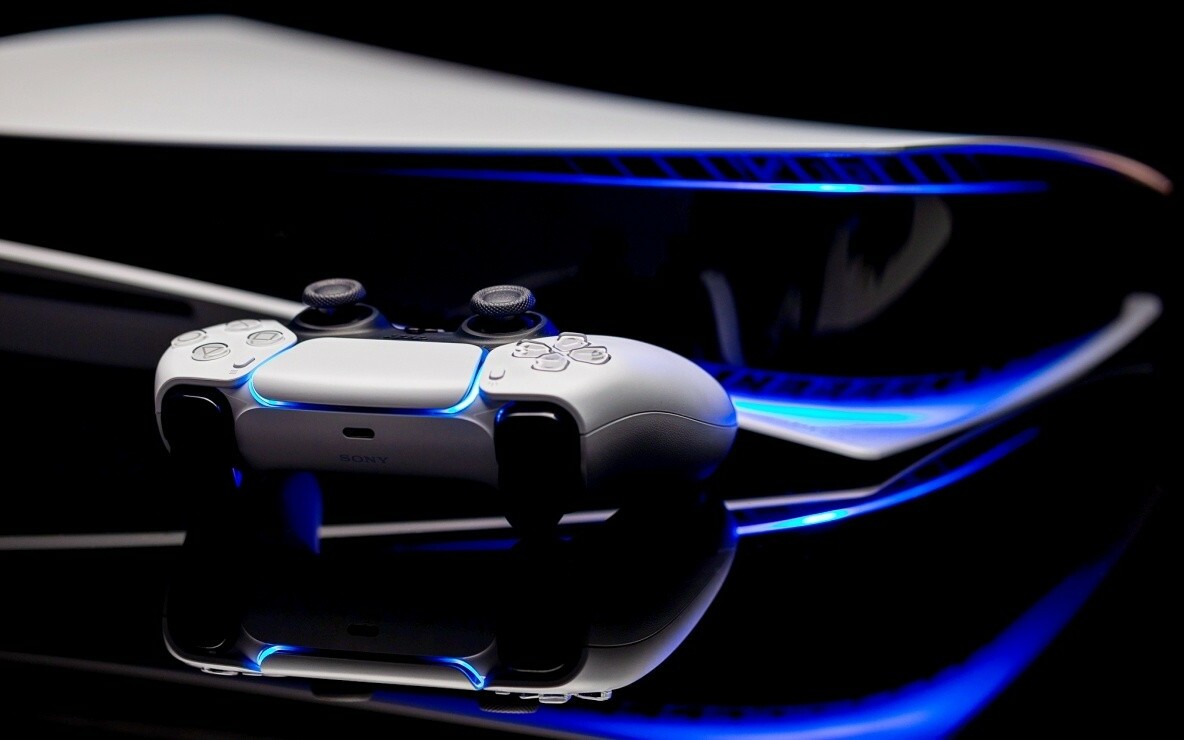
Wireless: The controller uses Bluetooth technology to connect wirelessly to the console, allowing for maximum freedom of movement. Lighting: Built-in LED panel that changes color depending on in-game events, allowing for greater immersion in the game. Vibration: Enhanced vibration and haptic feedback for a better gaming experience.
Originality: 100% original product with certification and quality guarantee. An original product for connoisseurs of high-quality video games.
12 months manufacturer's warranty.
Service support and maintenance in authorized centers.
Powerful console, but you have to connect an additional cooling system to it, as it can get very hot. Otherwise, everything is super!
I bought a PS5 Pro as a gift for a friend, he was delighted. The games look like real movies. Now he can't tear himself away from it.
The PS5 Pro is not just a gaming console, it’s a whole entertainment center! Watching movies and playing games in 8K is something incredible. Great buy!
Very good console. Video games with 8K support look great. Everything works without delays and failures. I recommend it for real gamers.
For me, the PS5 Pro is the perfect console. The quality of the games, the graphics, the sounds - everything is top notch. I am very happy that I bought this model!.
Very happy with the purchase! The console is not only powerful, but also stylish. Excellent video and sound quality, ideal for all types of games!
I bought a PS5 Pro for online games, and now every match is something! The graphics are superb, and no delays bother me. I recommend it to everyone.
The console is great, but there is some noise when it runs at maximum speed. Overall, the quality of games on the PS5 Pro is impressive. It's really cool to play in 8K!
Very happy with the purchase. For the money, the PS5 Pro is the best choice on the market. Games look great and loading times are much faster. Definitely recommend!
I've been playing on the PS5 Pro for a few months now and it's an absolute joy! The graphics in 8K are simply stunning and the performance of the console is top-notch. I can't imagine my life without this console!
Go to the page and fill in your details to receive the order and go to the payment page.
Place an order
Method of payment for goods: PayPal, VISA, MasterCart, YooMoney, Qiwi, Payeer, Advcesh, Perfect Money, Bitcoin BTC, Ethereum ETH, USDT, BNB ...
Delivery Sending to your address in a convenient way: Free delivery by mail and Paid delivery by FedEx, DHL, BTS, EMS TNT... and courier delivery worldwide.
Your goods will be delivered to the specified address by a courier company anywhere in the world, high quality and guaranteed, thank you for your attention.
Available payment methods
We offer a wide range of payment methods for your convenience:
PayPal, VISA Master Cart, YooMoney, Qiwi, Payeer, Advcesh, Perfect Money, Bitcoin (BTC), Ethereum (ETH), USDT, BNB And many others!
Return of funds and goods up to 60 days.
Worldwide shipping. Regardless of your location, you will be able to receive your order as soon as possible.
Free shipping by standard mail delivery time up to 60 days.
Paid shipping FedEx, DHL, BTS, EMS THT – high quality service and delivery in the shortest time up to 15 days.
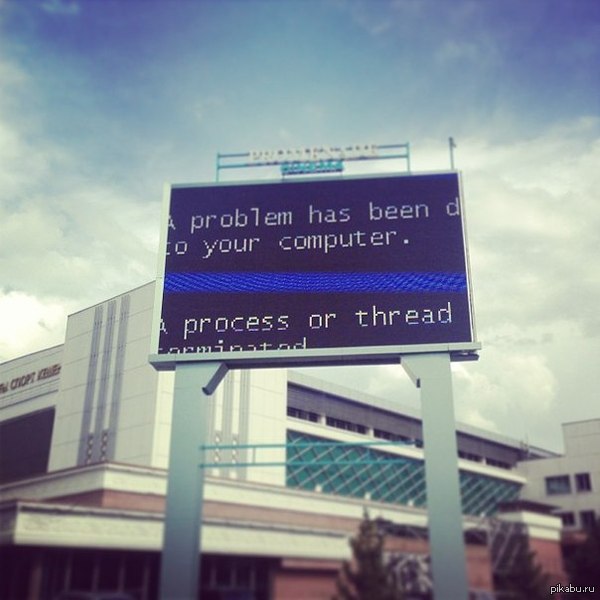
Синий экран смерти playstation 4.
Игра Assassin's Creed Mirage (PlayStation 4, PlayStation 4)
BlueScreenView особенно удобна тем, что не требует установки на компьютер громоздких пакетов Debugging Tools for Windows и может запускаться с любого носителя, достаточно кликнуть по одноименному файлу.
New hit sales 2026 Buy
Синий экран смерти playstation 4, Sony PlayStation 5 Pro. - a great solution for connoisseurs of high-quality video games.
Special offer is valid for a limited time! Don't miss the chance to get 3 consoles for the price of 2.
Place an order now for the promotion: buy 2 pieces and get 3 as a gift. and enjoy the fascinating world of games!


BlueScreenView особенно удобна тем, что не требует установки на компьютер громоздких пакетов Debugging Tools for Windows и может запускаться с любого носителя, достаточно кликнуть по одноименному файлу.
Установите проверенный антивирус (например, Kaspersky Standart для 1 устройства на 5 лет) и запустите проверку устройства на вирусы. Первое сканирование займет время, в течение которого компьютер нельзя перезагружать. В случае обнаружения опасного ПО антивирус отправит его в карантин или удалит.
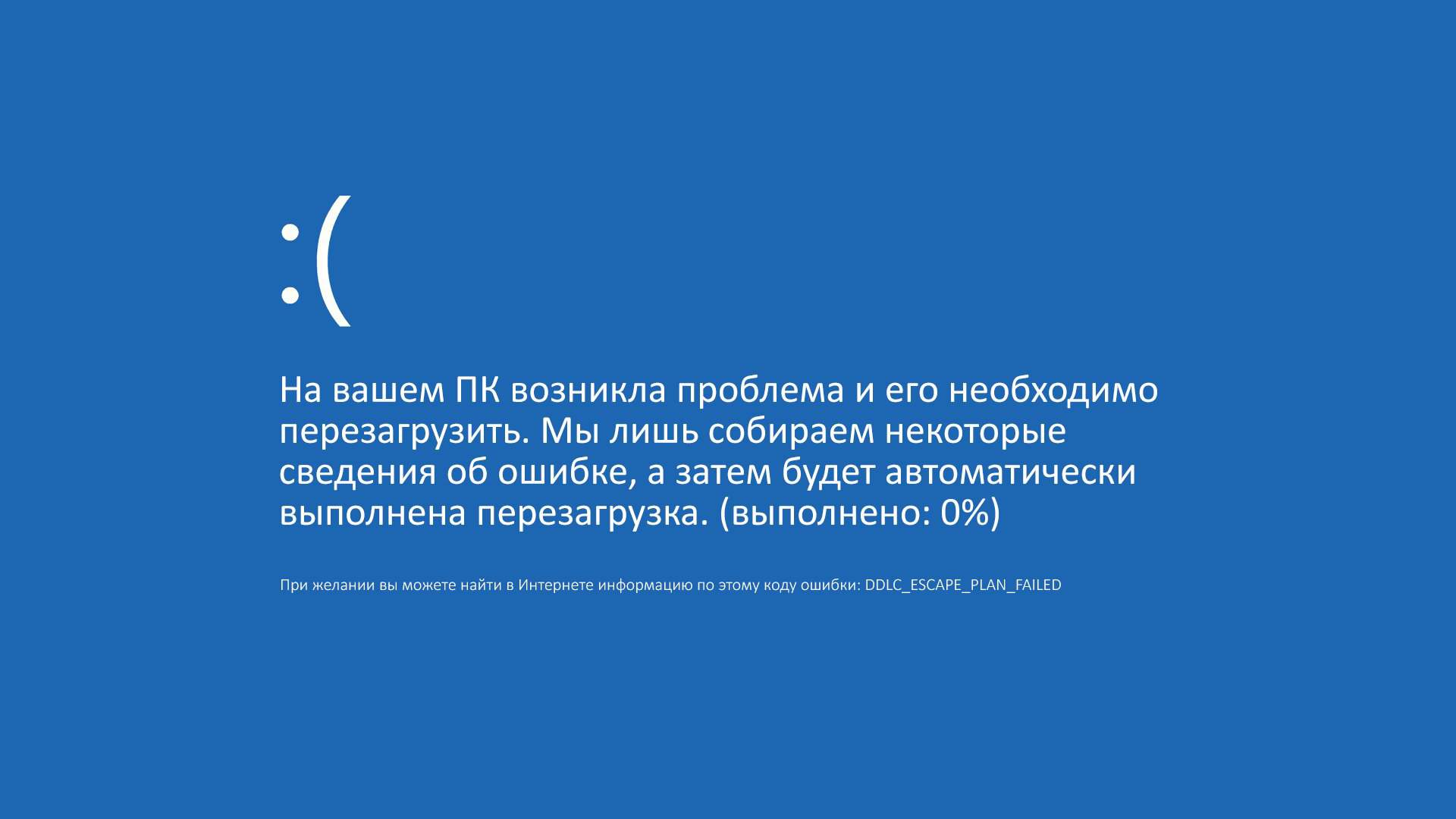
Из этой статьи вы узнаете, как избавиться от синего экрана смерти (BSOD) на компьютере под управлением Windows. BSOD — это сообщение о критической системной ошибке, причиной которой является неправильно установленное программное обеспечение, оборудование или неверные настройки, то есть эту ошибку можно исправить. В некоторых случаях синий экран смерти возникает из-за поврежденной операционной системы или сбойных комплектующих компьютера. В этом случае операционную систему нужно будет переустановить, а комплектующие —заменить.
Восстановление Windows . Если ни один из этих действий не поможет, попробуйте восстановить Windows с помощью точки восстановления системы или одного из других параметров, перечисленных в разделе Параметры восстановления в Windows . Выберите вариант восстановления, который наиболее точно соответствует вашему сценарию.
В большинстве случаев компьютер Windows по умолчанию настроен на автоматический перезапуск. В этом случае у вас не останется достаточно времени, чтобы прочитать и понять текст ошибки, когда появится синий экран.
Вы можете прибегнуть к этому совету сейчас или уже после выполнения всех остальных, если ничего не поможет избавиться от синего экрана смерти. Откат к точке резервного копирования через средство восстановления поможет вернуть ПК в то состояние, когда еще никаких ошибок не возникало. Нюанс — требуется наличие заранее активированной функции резервного копирования в Windows 11. Если она отключена, единственным вариантом радикального решения ситуации станет откат к заводским настройкам, о чем мы детально поговорим в завершении статьи. Если вы решили использовать этот вариант, то для проверки доступных точек восстановления в меню с дополнительными параметрами выберите пункт «Восстановление системы» .
Tags: Синий, экран, смерти, playstation, 4,